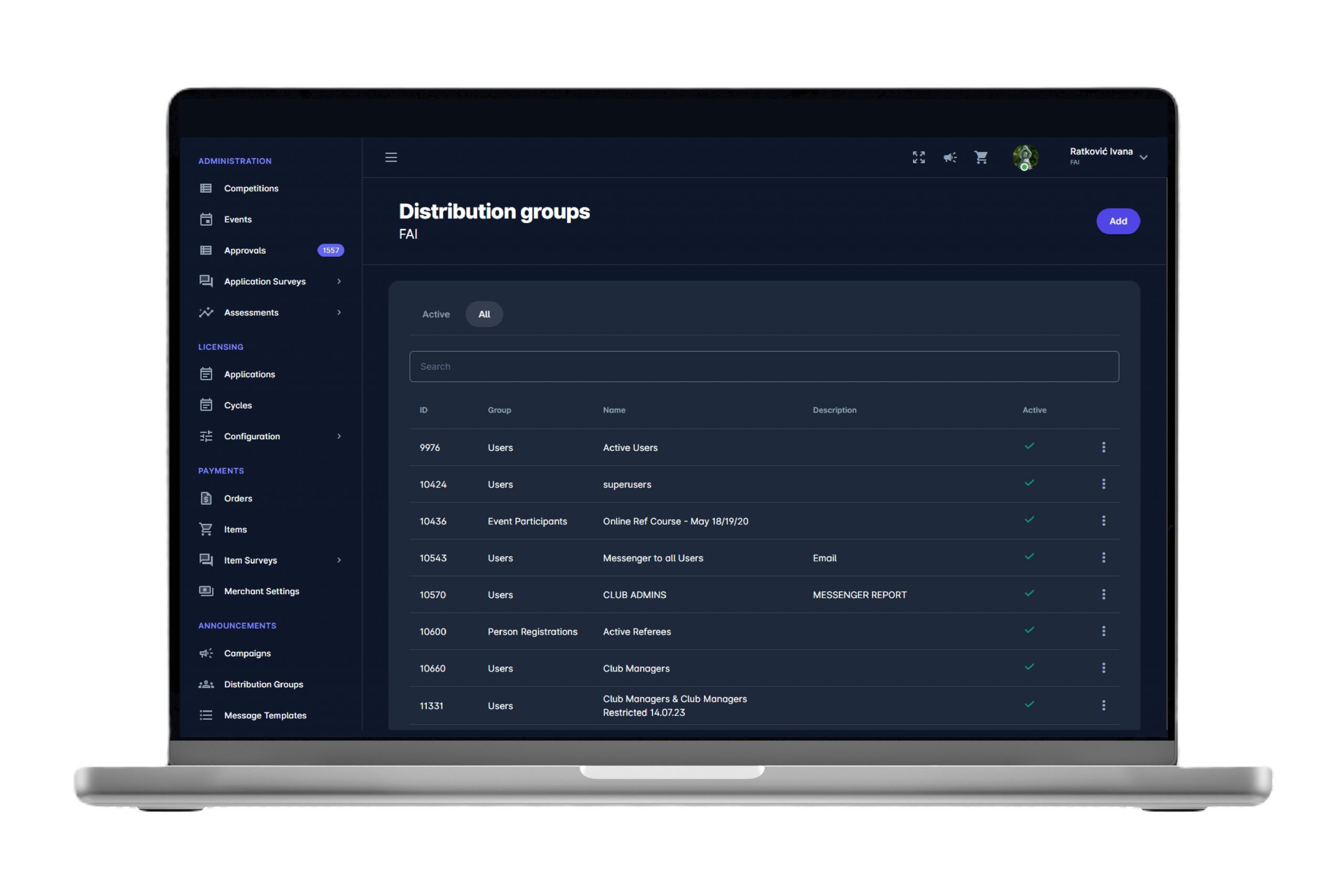
ANNOUNCEMENTS
The Announcements module is an internal communication tool designed to send ad-hoc messages to predefined and dynamically updated distribution groups within the COMET System. For example, dynamic groups are all referees of a certain category, all officials in a competition, all club managers in your country, all registered coaches, etc. With just a couple of clicks, you can sends announcements not only to COMET users but also to any registered person in COMET with an entered e-mail.
There is no need to manage lists of contacts separately, as all contacts are taken dynamically and up-to-date from COMET, at the moment of sending a campaign. Furthermore, many data points from COMET can be used as a variable to personalize messages to each individual recipient.
Recipients receive announcements/messages by e-mail, into their inbox on MyCOMET platform, and onto their mobile inbox and via push notifications on COMET Football iOS and Android Apps. It is therefore the most reliable and efficient method to instantly distribute information to all football stakeholders in your Association.
1. CAMPAIGNS
1.1. Wizard-based Campaign Management
COMET Announcements tool allows users to create email campaigns that are designed to reach out to the targeted distribution group at any time and provide relevant information content. A new campaign is created by following the wizard to define the necessary parameters step by step.
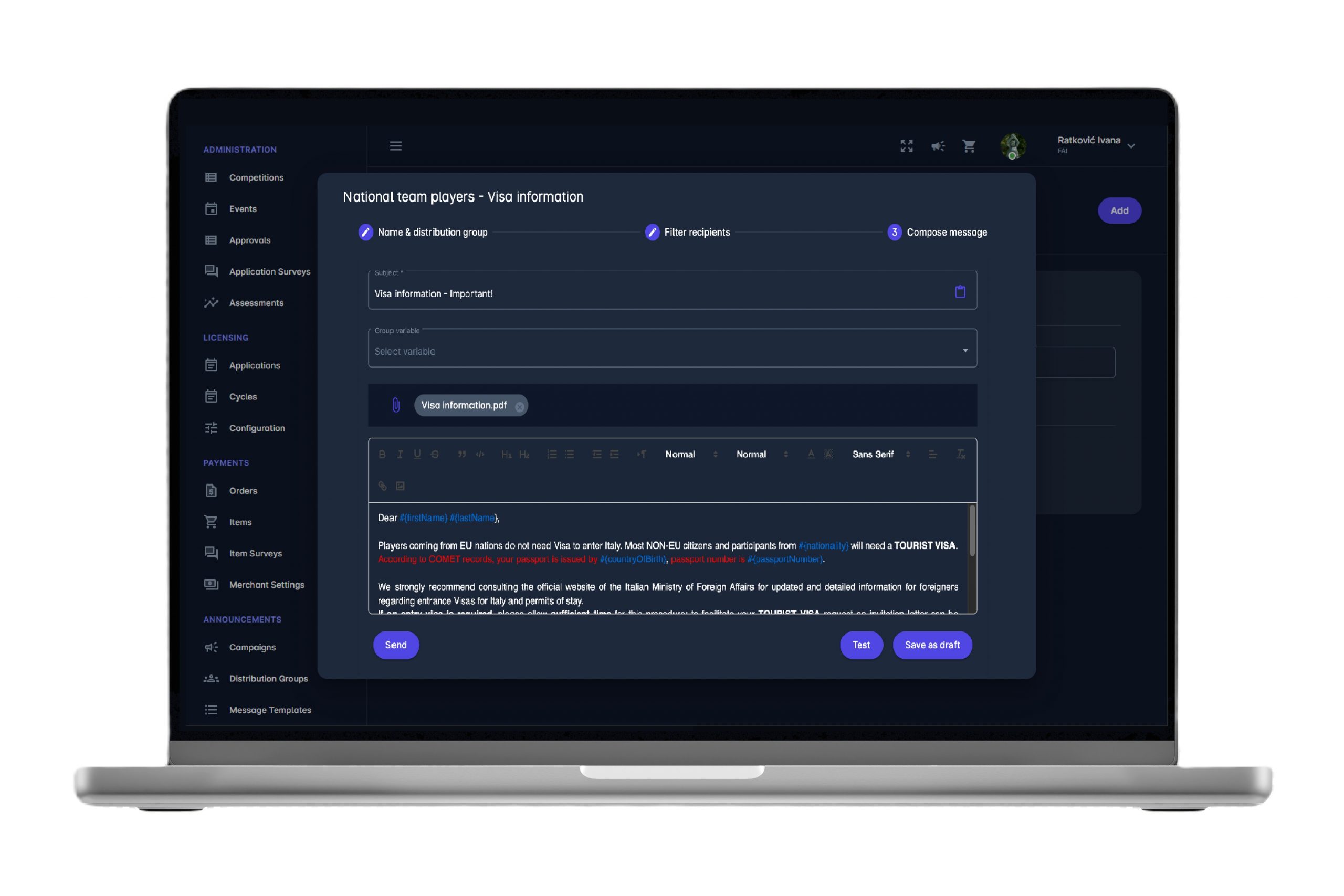
1.2. Campaign Name
The Campaign Name is defined in the first step, jointly with the selection of the Distribution Group. Once the campaign is sent, the messages are asynchronously distributed to all actual members of the Distribution Group
1.3. Filtering Recipients
The Sender can reuse Distribution Groups time and time again. E.g. a generic ‘Competition Officials’ distribution group is reused by simply selecting a new Competition when creating a Campaign related to it.
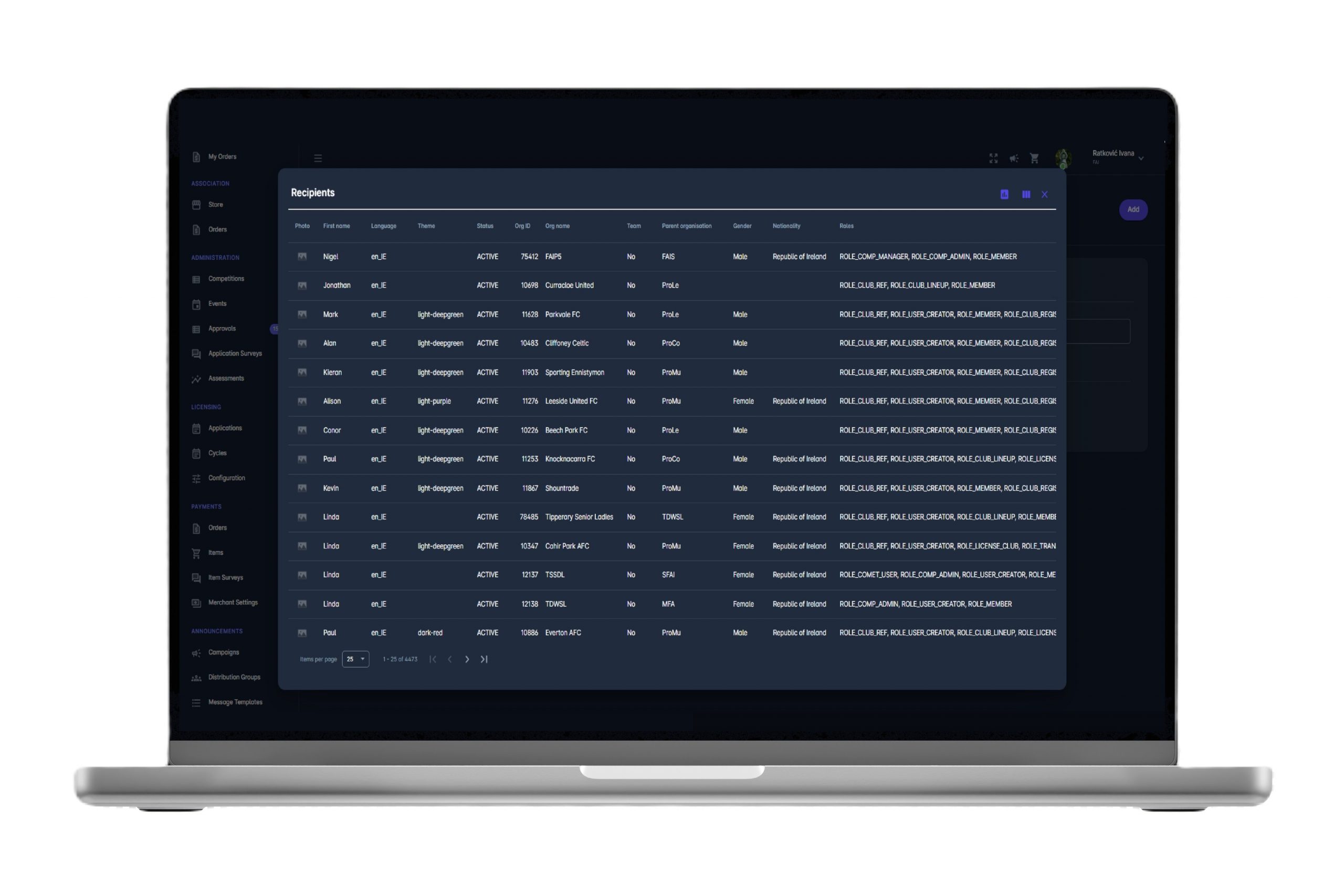
1.4. Message Attachments
The Sender can attach a pdf, jpg, png, or other permitted file types to the message.
1.5. Draft Testing
The user can send a draft email to see how a campaign will appear in the recipient’s inbox, or preventively test e-mails while being in the Draft status.
1.6. Delivery Channels
Recipients receive announcements/messages by e-mail, into their inbox on MyCOMET platform, and onto their mobile inbox and via push notifications on COMET Football iOS and Android Apps. It is therefore the most reliable and efficient method to instantly distribute information to all football stakeholders in your Association.
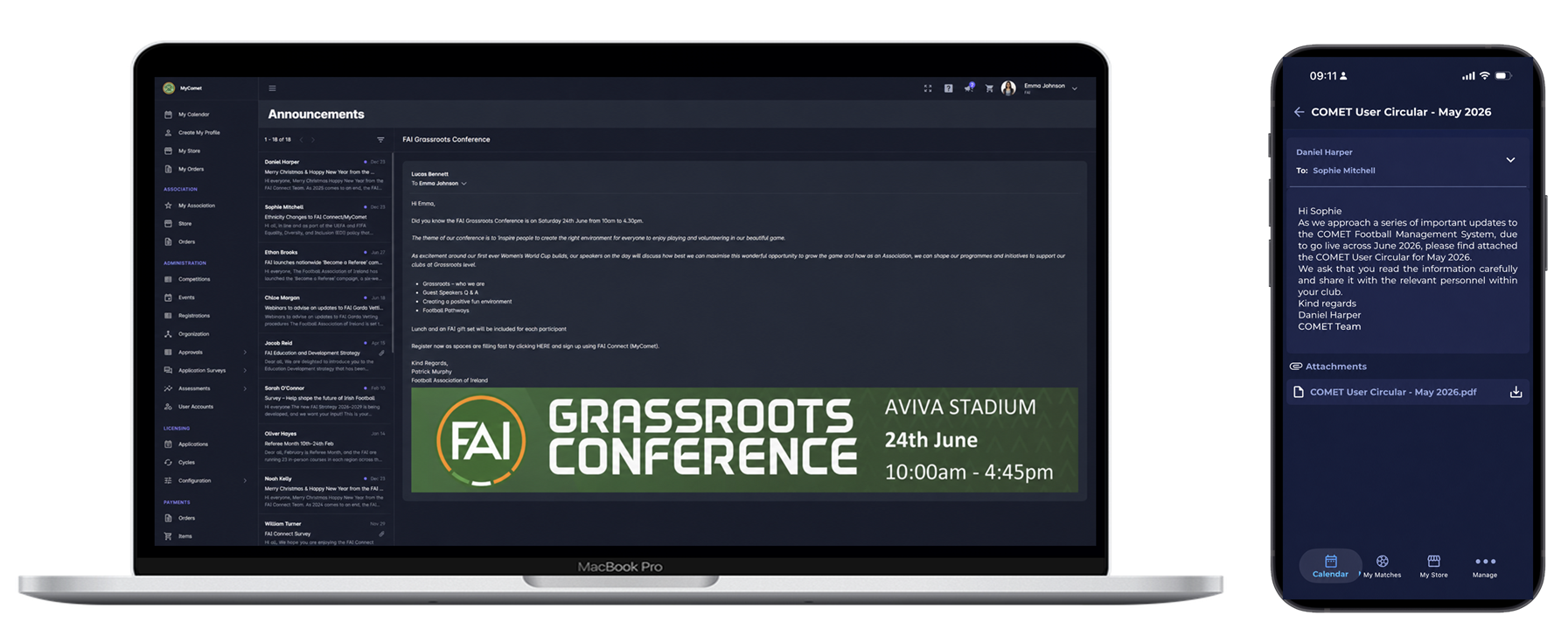
1.7. Delivery Status
Administrators can double-check who has received the message, when it was sent, and to which recipients the delivery has failed.
1.8. Mark Read
Recipients can mark the message as ‘Read’ and inform the sender when it was read.
1.9. Unsubscribe Option
Each individual user has the option to unsubscribe from receiving announcements, in their Account Settings.
2. MESSAGE TEMPLATES
2.1. Template Names
Message templates save time, help user to stay consistent, and reduce the margin for error. The same message can be used time and time again. Template names are defined on the UI.
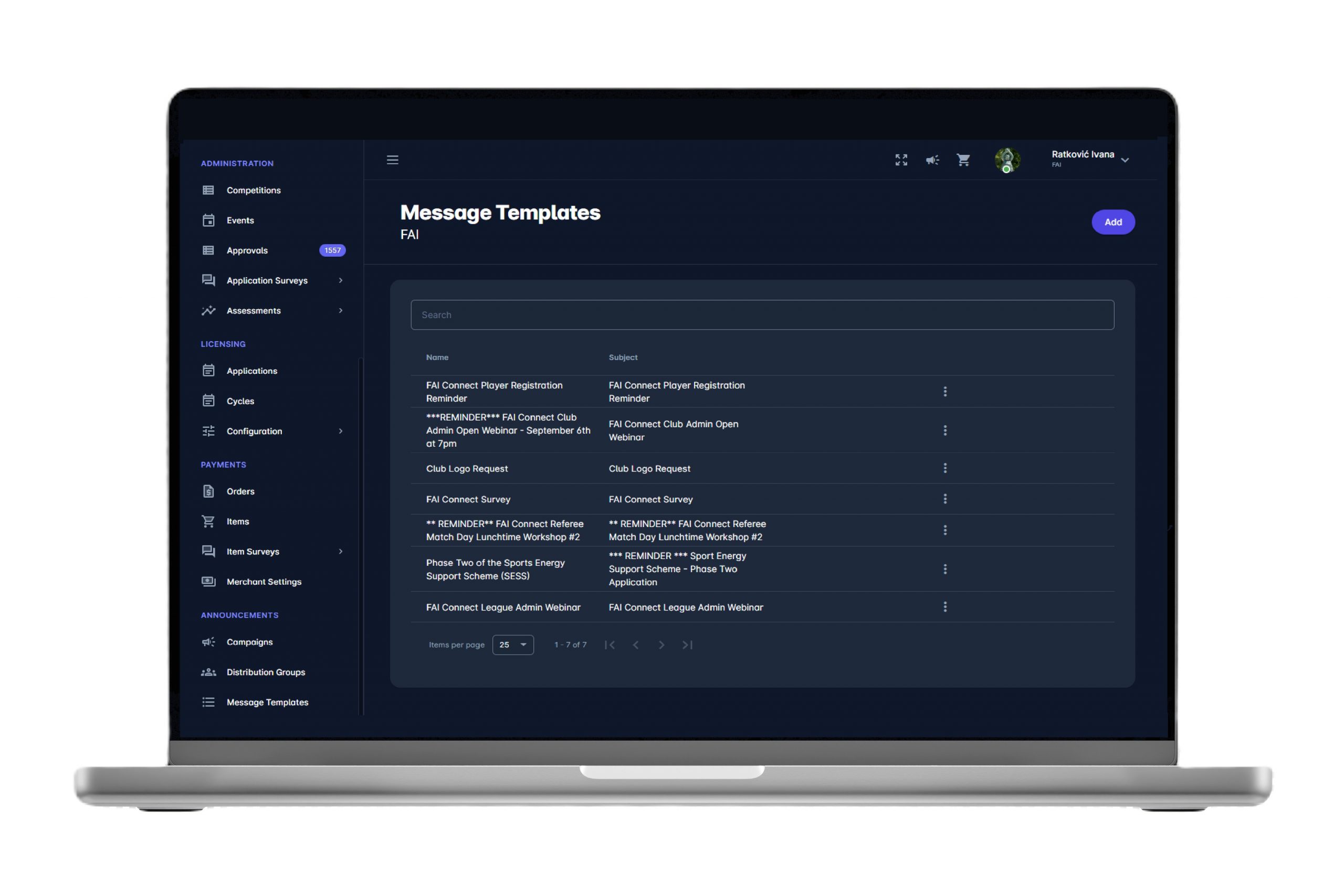
2.2. Group variable
There is an option to include any dynamic data from the report in the template. The sender can use any column from the report, e.g. DOB, organization/country of the person, nationality, registration type/role, and more than 50 other dynamic variables. All of these can be entered, and resolved for each individual message.
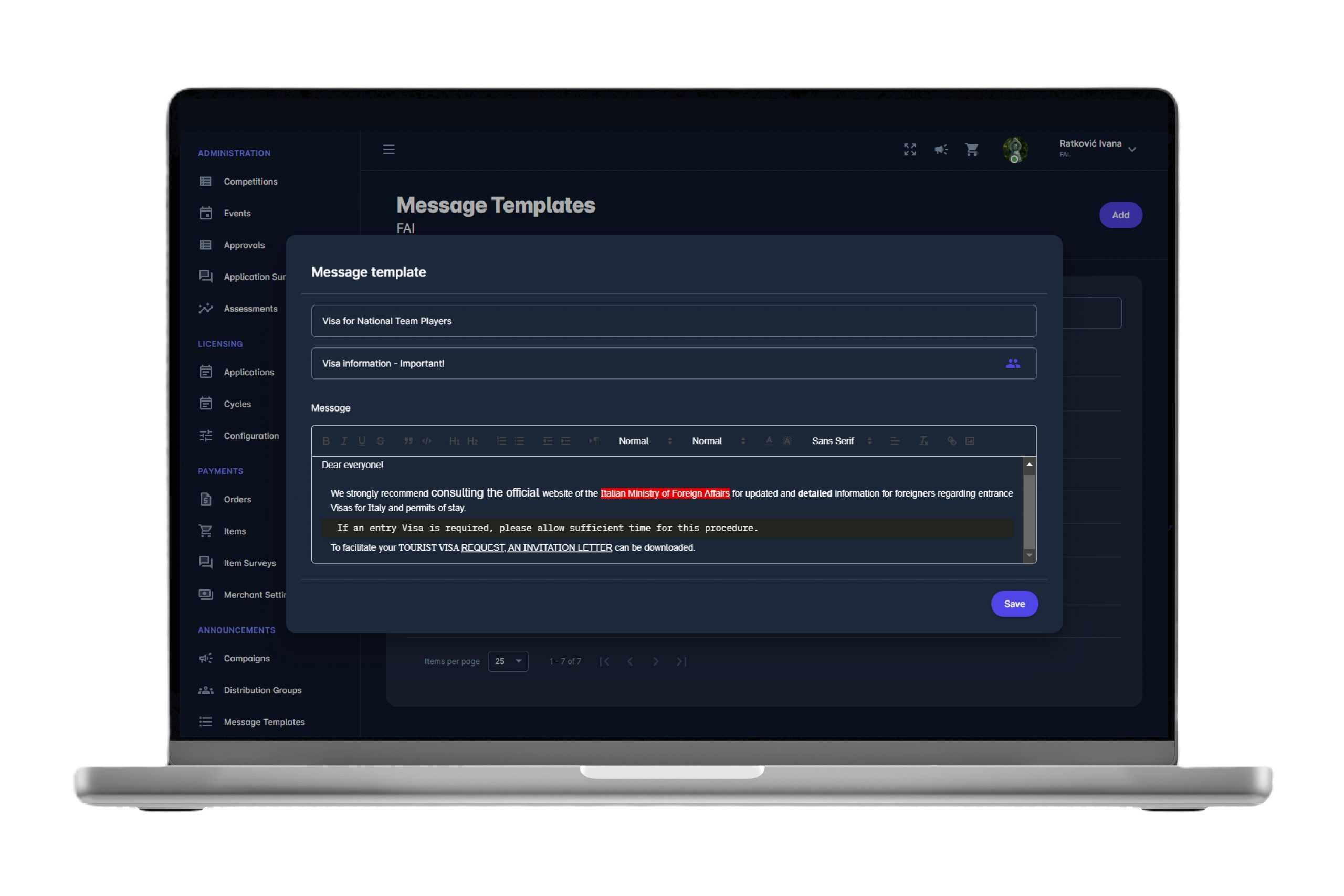
2.3. Rich Text Format
The Rich Text Format is the standard file format for text-based documents. RTF is readable across many programs and platforms. Text can be styled as bold, italic, or underline, images can be imported, etc.
3. DISTRIBUTION GROUPS
3.1. Group Names
Group Names are defined on the UI. Distribution groups allow users to maintain a list of email recipients and send messages to all of them at once. There is no need to manage lists of contacts separately, as all contacts are taken dynamically and up-to-date from COMET, at the moment of sending a campaign.
3.2. COMET Data
COMET Announcements tool uses COMET Data, and it has access to many reports that can be used as the basis for a distribution group. In other words, any report that includes a dynamic list of members or users can serve as a source. As the base for your distribution group, you can select reports such as Person Registrations, Event Participants, Users, or Player Appearances, each giving you the flexibility to filter and target only the results you need.
3.3. Filtering and Targeting Recipients
Filtering COMET Data reports allows you to define precise and relevant communication groups directly within COMET Announcements. For example, if you need to find all coaches attending a UEFA A course, you can use Event Participants. To invite all club managers to a COMET workshop in the Association, select Users and filter by user role and status. If you need to notify Security Officers assigned to a specific competition about a pre-tournament meeting, use Competition Person Registrations.